There are once again cases of fraud circulating in which criminals put pressure on you over the phone to urgently confirm something in the itsme® app. They pretend there is a problem, such as ‘a suspicious transaction’, ‘your account has been blocked’ or ‘an update is required’. In reality, they are trying to get you to approve an action they have taken.
How do these scammers operate?
The fraudster calls you and creates stress and a sense of urgency. Whilst you think you are solving a problem, the scammer asks you to provide confirmation in itsme®. With that confirmation, you may unwittingly:
- approve a payment (to the scammer’s account or to an online shop),
- grant access to your banking app,
- or confirm another action that you did not request.
How can you recognise this type of scam?
It is always suspicious if you receive a call claiming to be from: your bank, a government department, a telecoms operator, or any other organisation that appears trustworthy.
Be particularly wary of:
- time pressure (confirm right now, otherwise…)
- fear or urgency (your money is at risk, your account will be blocked)
- a request to urgently confirm something in itsme®, when you haven’t initiated anything yourself.
What should you do if you receive a call from an unknown number?
- End the call immediately if you are put under pressure.
- Never confirm anything in itsme® if you did not initiate the action yourself.
- Never disclose codes or passwords.
- Contact your bank or organisation via the official number (on your bank card, website or app), not via the number the caller gives you.
New in itsme®: smart alerts during a phone call
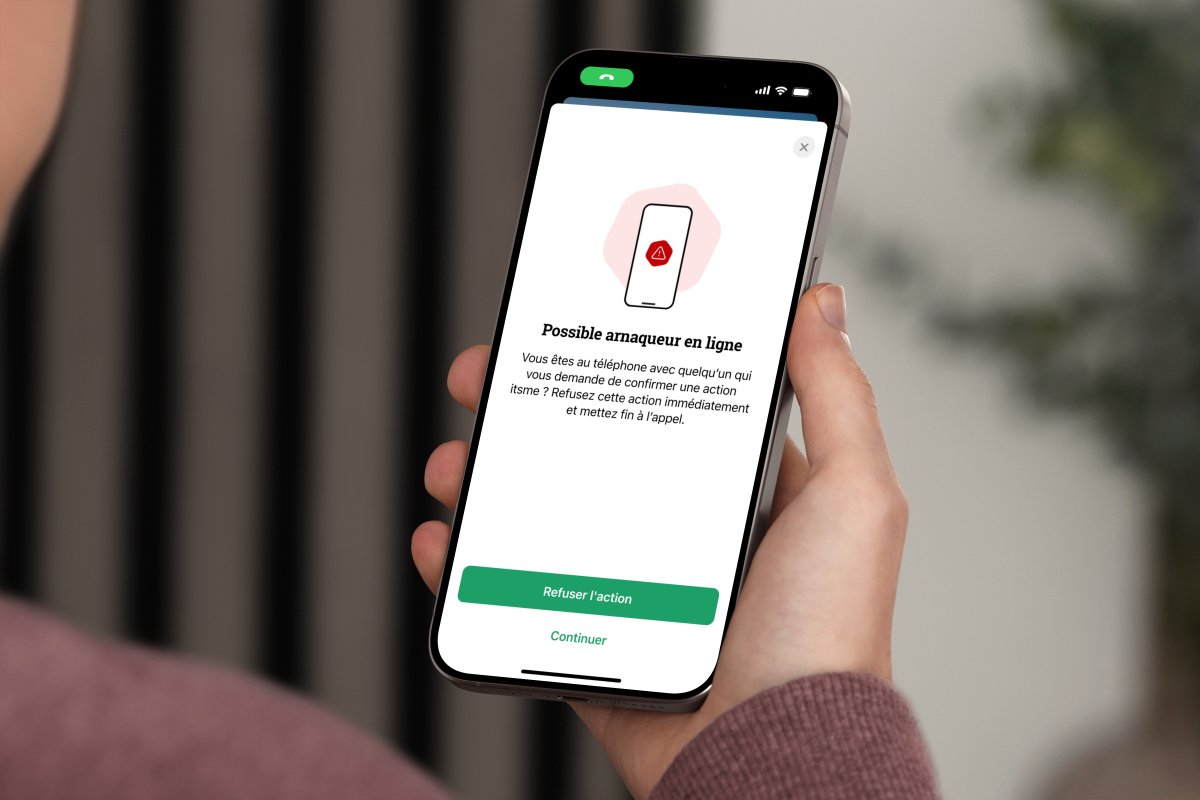
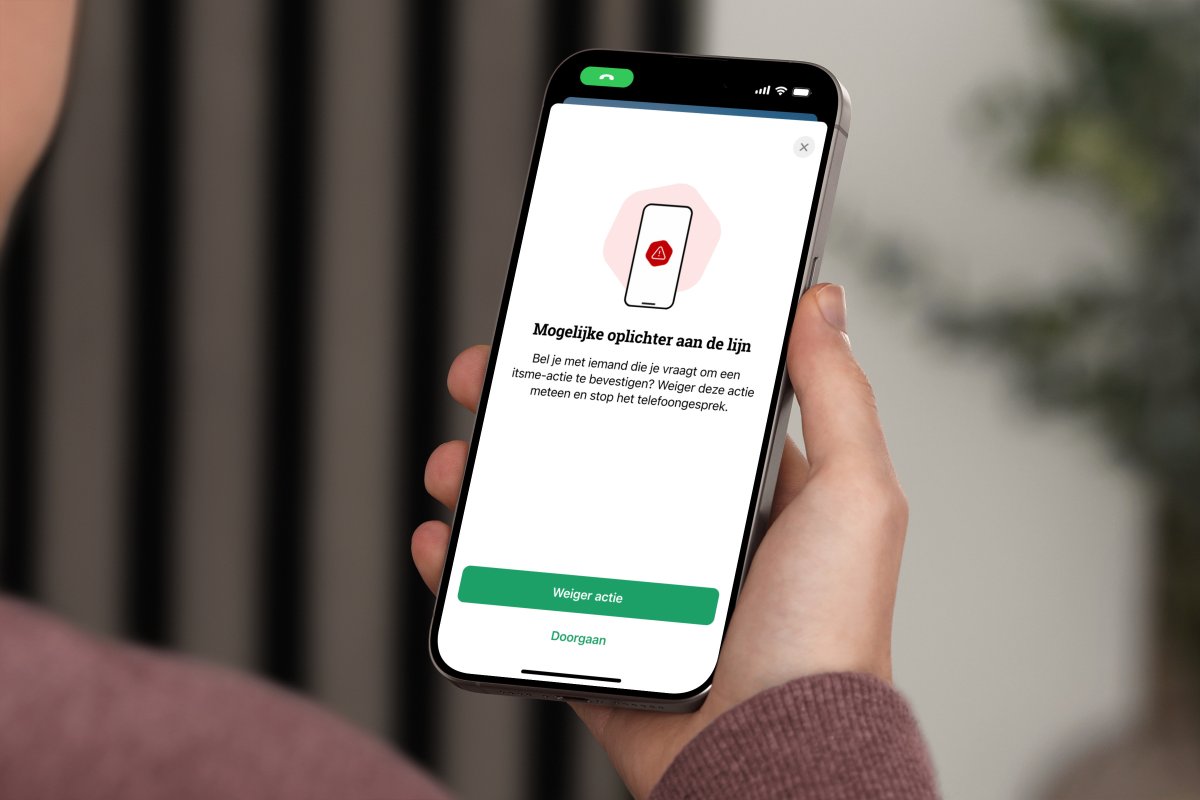
itsme® recently launched smart notifications to combat scammers. When the app detects that you’re receiving an itsme® transaction during a phone call, an extra verification screen appears with a clear warning that it may be a scam.
This screen does not block the transaction. You remain in control and can choose whether to decline or confirm it. If you see such a warning, stop, check and decline if you did not initiate the transaction yourself.